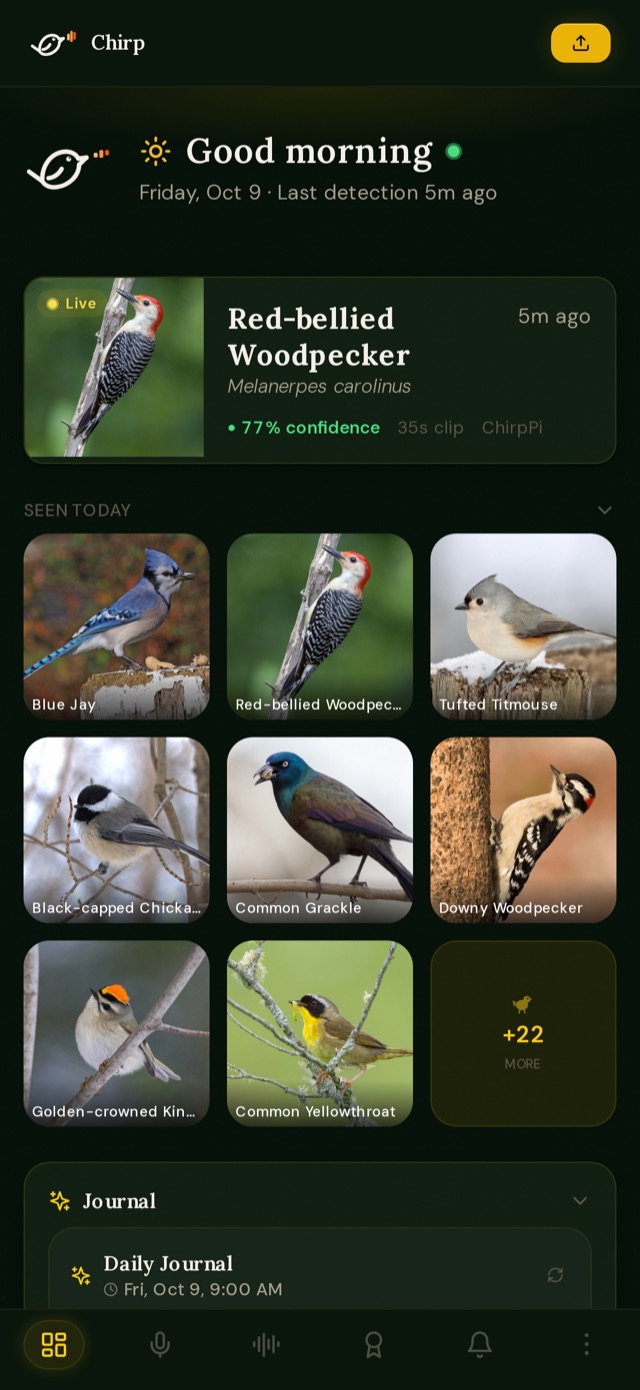
Today's birds at a glance
Who's been calling, how often, and the latest detection, updated live as the station hears new birds.
Most birds around a home are heard, not seen. Chirp listens around the clock, names every call with BirdNET, and keeps a playable record of who visits and when, on a server you control.
A small listening station outside, your own Chirp server inside, and the app in your pocket.
A Raspberry Pi with one or more USB microphones listens all day. A short rolling buffer means the start of every call is kept, not just the end.
The Cornell Lab's BirdNET model identifies the species on the station, then your server checks it again with your location and the time of year.
Today's birds, every recording with its spectrogram, a life list that builds itself, species profiles and alerts when someone new shows up.
Who's been calling, how often, and the latest detection, updated live as the station hears new birds.
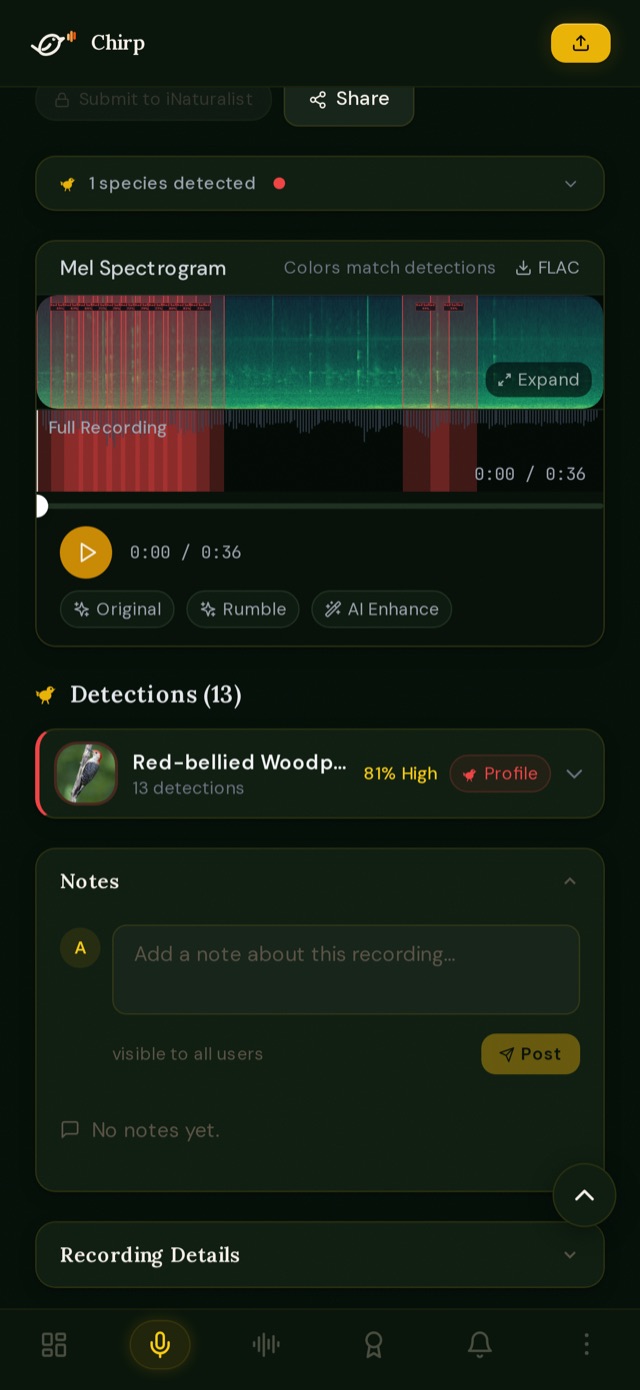
Play any recording and scroll its spectrogram; each species is marked where it sings. Clean it up with noise reduction, or ask for a second opinion.
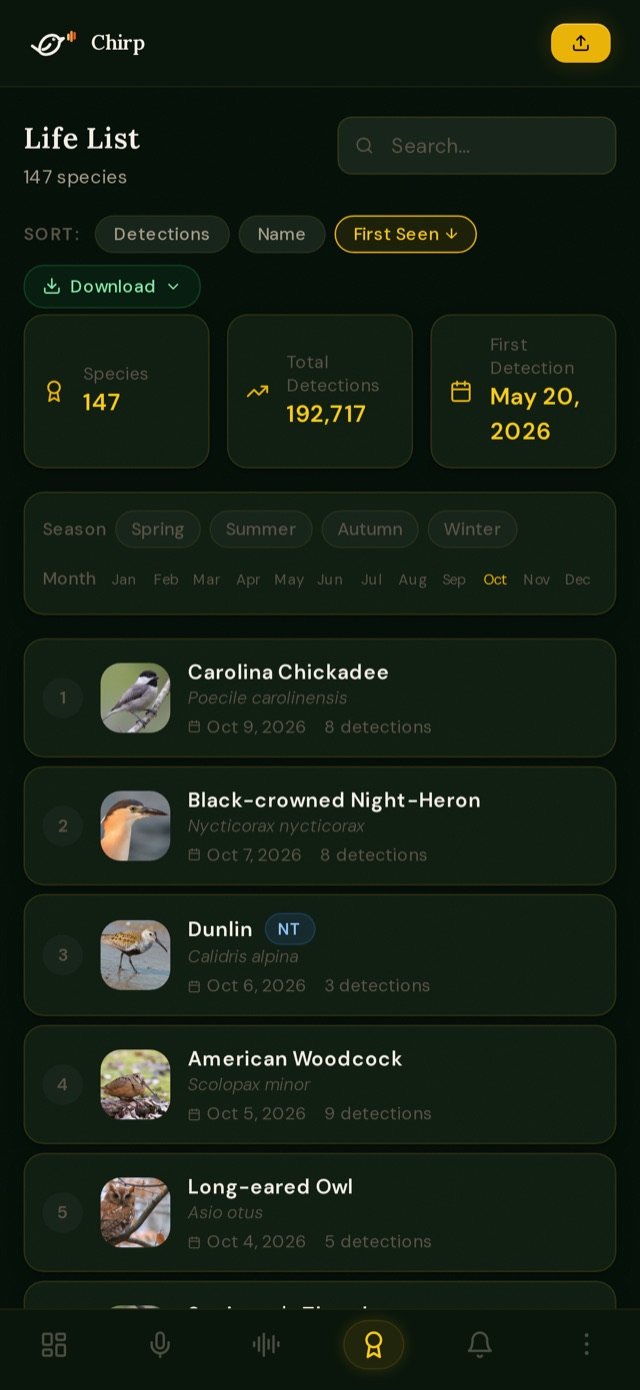
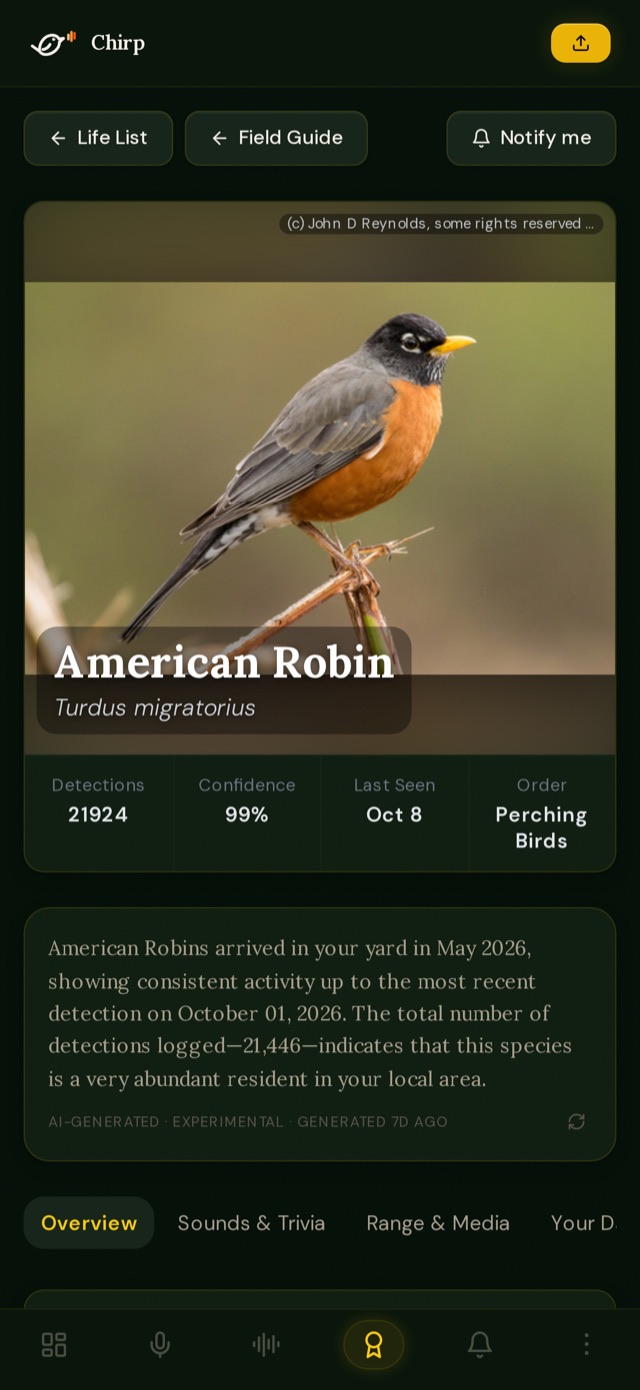
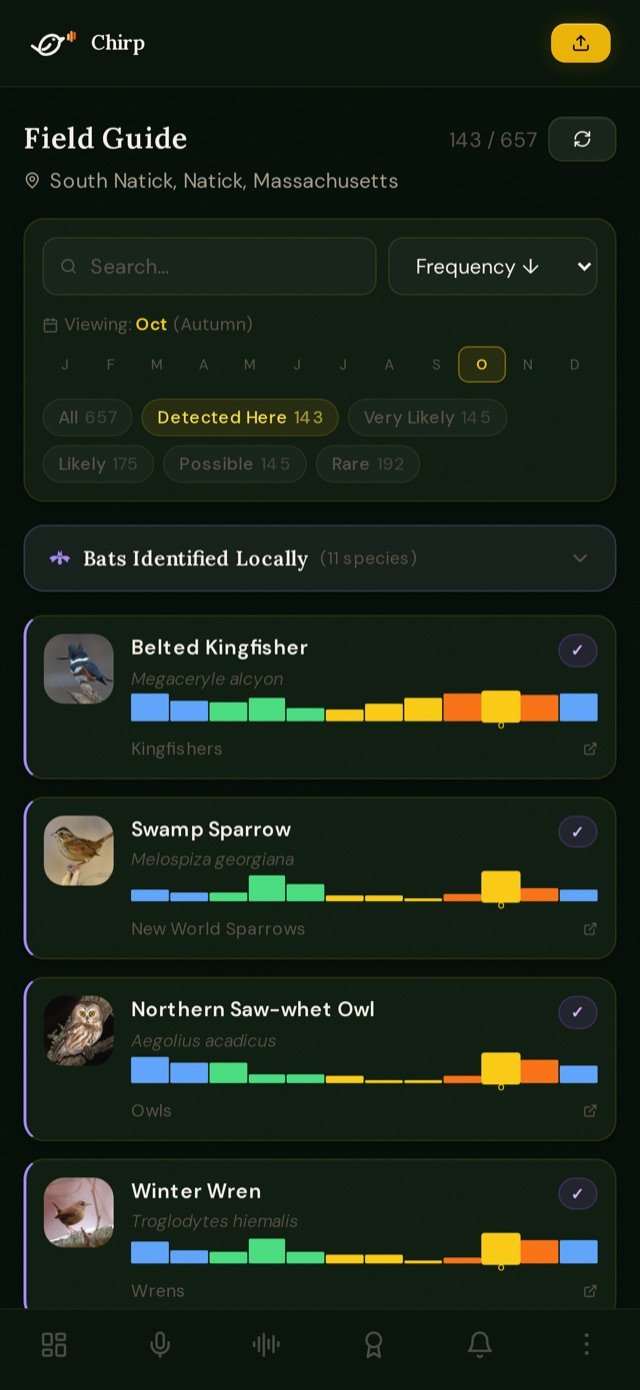
Every species heard, with photos, sounds, range maps and how often it's reported nearby, drawn from eBird, iNaturalist, Wikipedia and more.
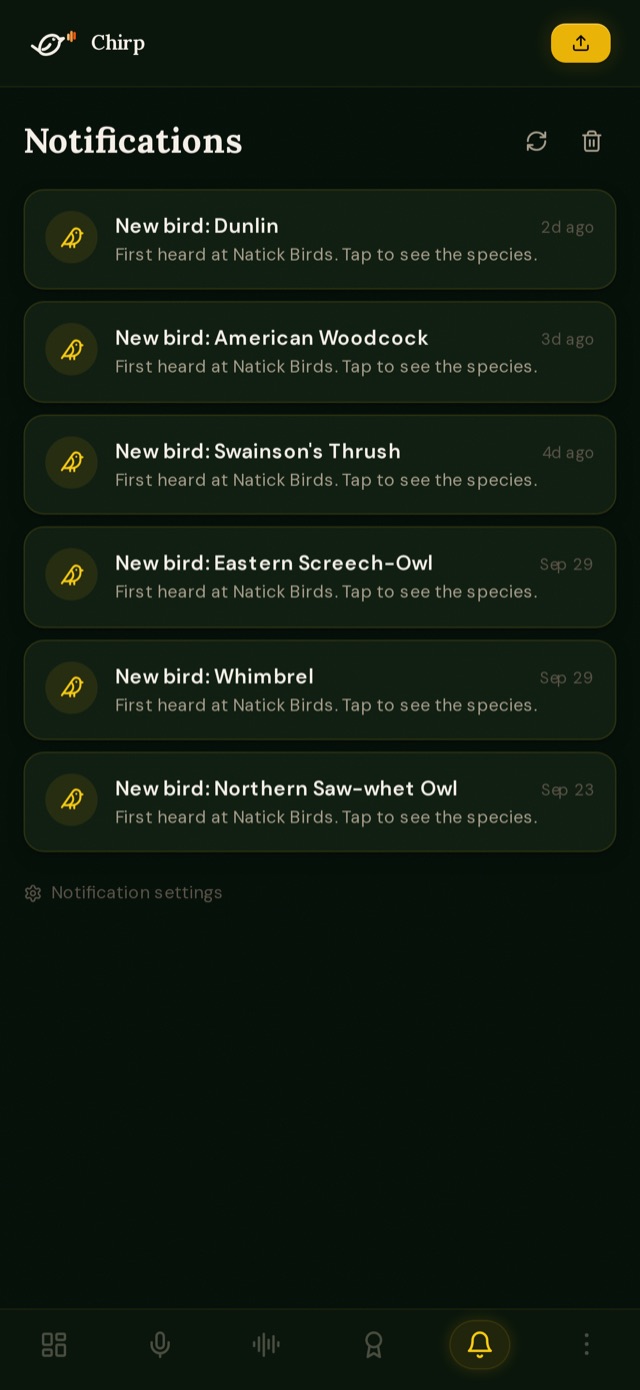
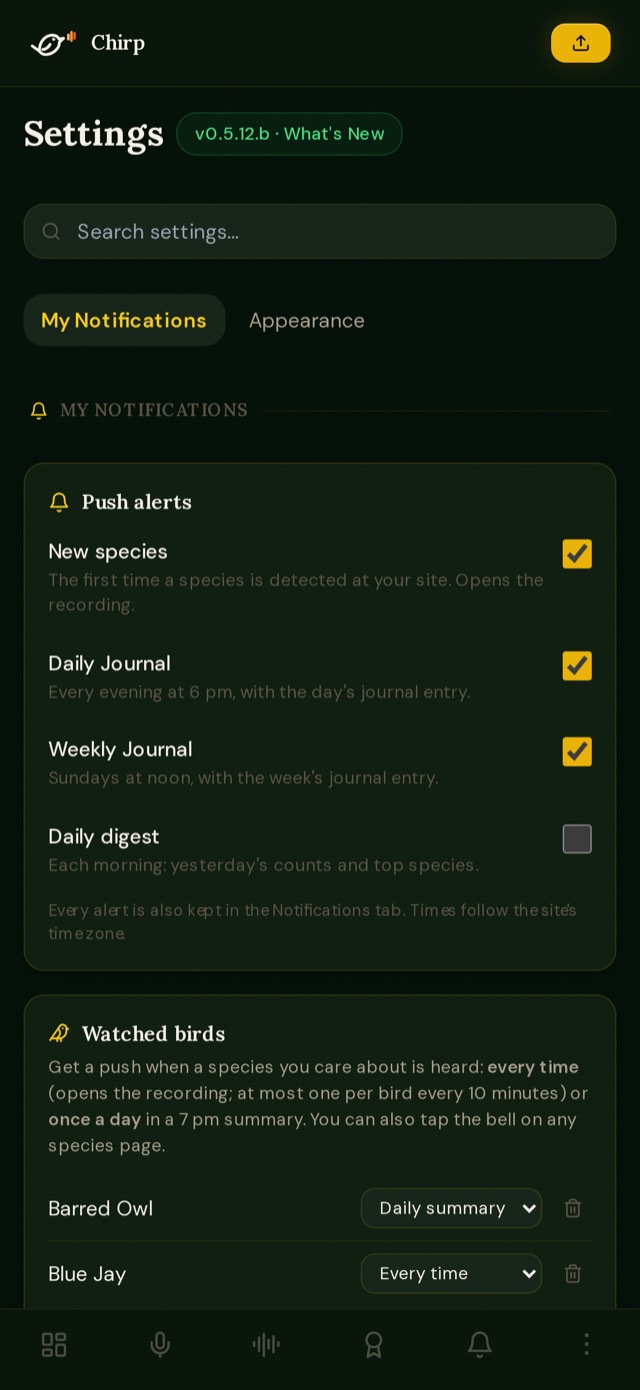
Get a push the first time a species turns up, an evening digest of the day, a daily journal, and alerts for the birds you choose to watch.
Chirp runs on hardware you own. Join someone's site with an invite code, or set up your own.
Join a site someone already runs, build a station and let us host its site, or run the whole thing yourself.
Ask the site's owner for an invite code, then create an account with it in the app or at ourchirp.com.
iPhone app · coming soon Until then, open ourchirp.com in Safari and choose Share → Add to Home Screen.
Build the station from the guide on GitHub and request a site on ourchirp.com. Once it's approved, we email your sign-in, device key and setup steps.
Run the Docker server at home. A push relay token lets the iPhone app get notifications from it, even if it isn't reachable from the internet.
Recordings, identifications and accounts live on the Chirp server you or your site's owner runs. There are no ads, no tracking and no third-party sign-in. Species photos and facts come from public sources such as eBird, iNaturalist and Wikipedia.
BirdNET, from the Cornell Lab of Ornithology and Chemnitz University of Technology, recognizes thousands of species. Chirp checks every station detection again on the server with your location and the season, and you choose the confidence threshold that's shown.
No. If someone has invited you to their site, open the app or ourchirp.com, tap Create account and enter their invite code. Live Detect also works on its own with your phone. See app setup.
Follow the setup guide: the station, three ways to connect it (including automatic setup from your server), your own server, and the app. The user guide covers everyday use and settings.
The station and server software are on GitHub ↗, with setup guides for the Raspberry Pi and the Docker server.
The app is free, with no ads or purchases. A station needs a Raspberry Pi and a microphone.
Yes. Chirp listens around the clock and has rules tuned on field recordings for owls and other night callers, so nighttime visitors show up without daytime noise being mistaken for them.
Questions, help setting up, or an idea for Chirp? Send us a note.